Demo
How it works, in two minutes
Fictitious example: you are thinking of buying a second-hand bike a few hours away. Before travelling, you ask the person selling it for three precise photos.
- You ask for the photos
- Your contact takes them
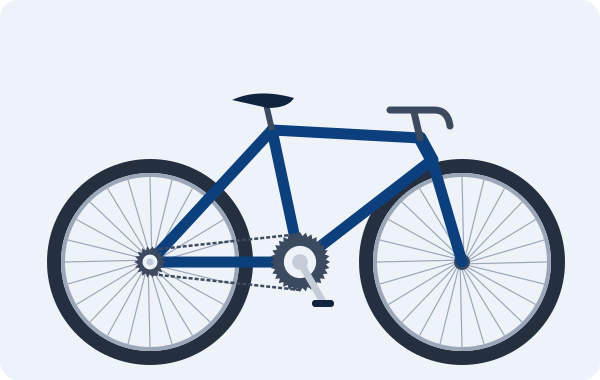
The texts in the previews are those of the application; the photos are fictitious illustrations.
You ask for the photos
You prepare the request
You list the three photos that matter to you, with a short instruction for each.
You ask for the photos
You activate the request
Activation reserves one credit per photo requested, three here. They are reserved, not yet used. The request stays open for the period set by your space.
You ask for the photos
You share the link
You create the link for your contact and send it through the messaging app of your choice. They have no account to create and no app to install.
Your contact takes them
Your contact takes the photos
On their phone, they see the list of photos and your instructions. They take each photo, review it, and can retake it before sending.
Your contact takes them
Your contact sends them
When the three photos are ready, they send them in one go. That is when the three reserved credits are used.
You ask for the photos
You view the photos
The photos arrive in your request, each under the label you chose. You look at them before deciding whether to travel.
You ask for the photos
If needed, you request a retake
A photo isn't sharp enough? As long as it can still be viewed, the space owner can request a retake: your contact receives a new link for that photo only. One retake at a time per request, at most three per photo, with no extra credit. If the retake does not go through, the photo already received stays unchanged.
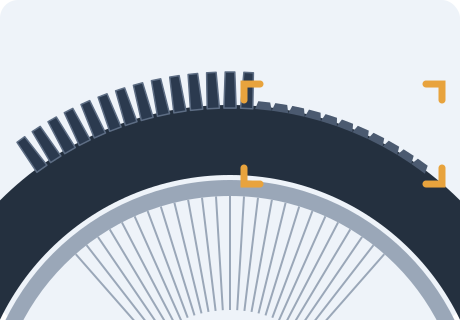
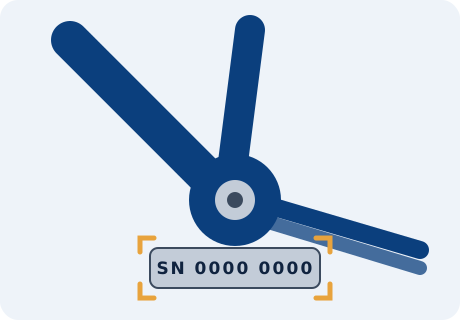
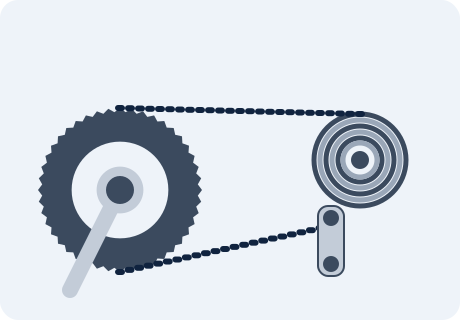
Fictitious illustration
Credits, in short
- On activation
- reserved, one per photo requested
- When the photos are sent
- used
- If the request is cancelled or expires before the photos are sent
- released
Once the photos have been sent, the request can no longer be cancelled. A retake costs no credit.
The same process, for professionals
A delivery to check, a return to document, rented equipment coming back, works to follow: you ask for the photos you need, your contact takes them, without an account. No template is imposed: each request is made of your own labels.
What next?
Discover other situations in which to request precise photos, and how credits work.
PikPlease does not certify that photos are authentic.
Nothing was created, sent or saved: this page is a demo with fictitious data.